 Atlas Shorts
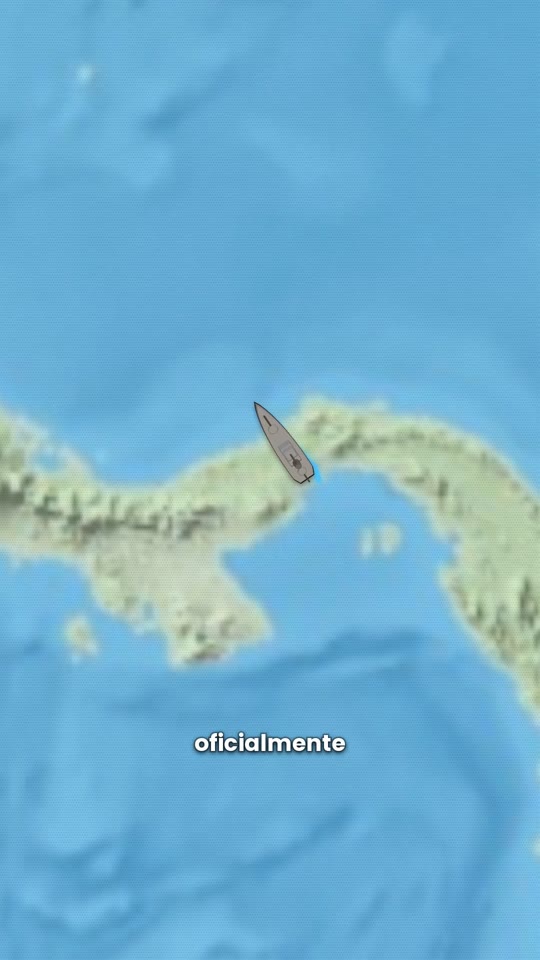
01 · HISTORY WITH DATES
The Panama Canal
Free voice: Remy
The step-by-step beginner guide: install, write the script with AI, add a voice and licensed music, and publish on YouTube Shorts, Reels and TikTok. No coding required.
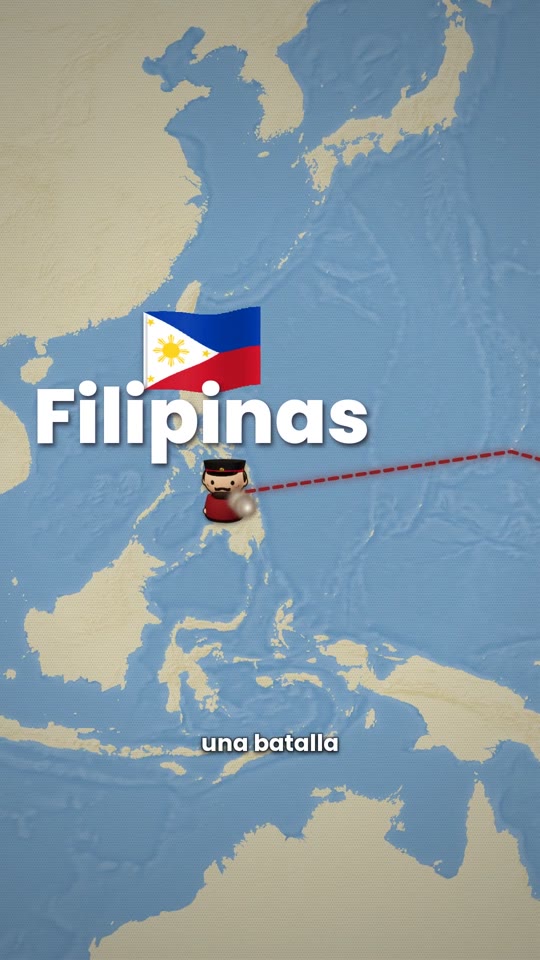
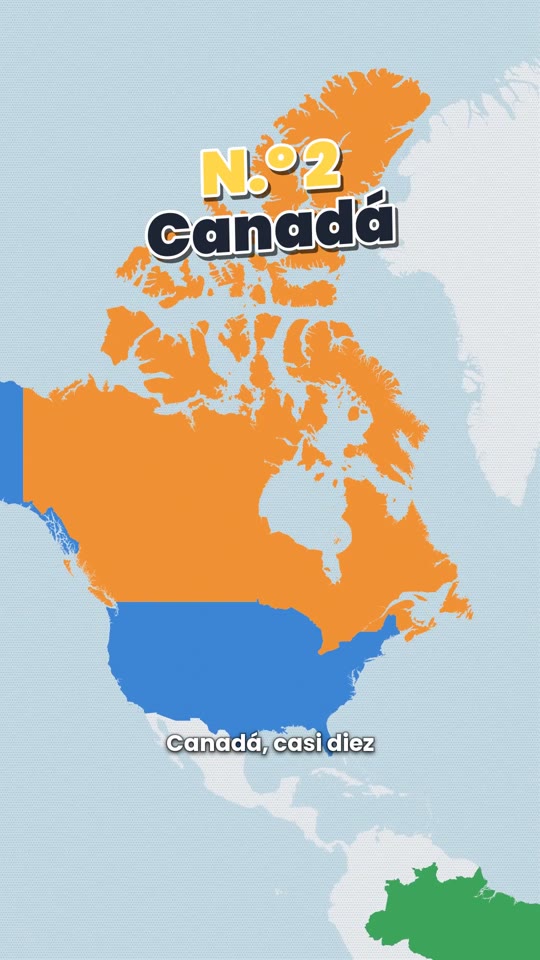
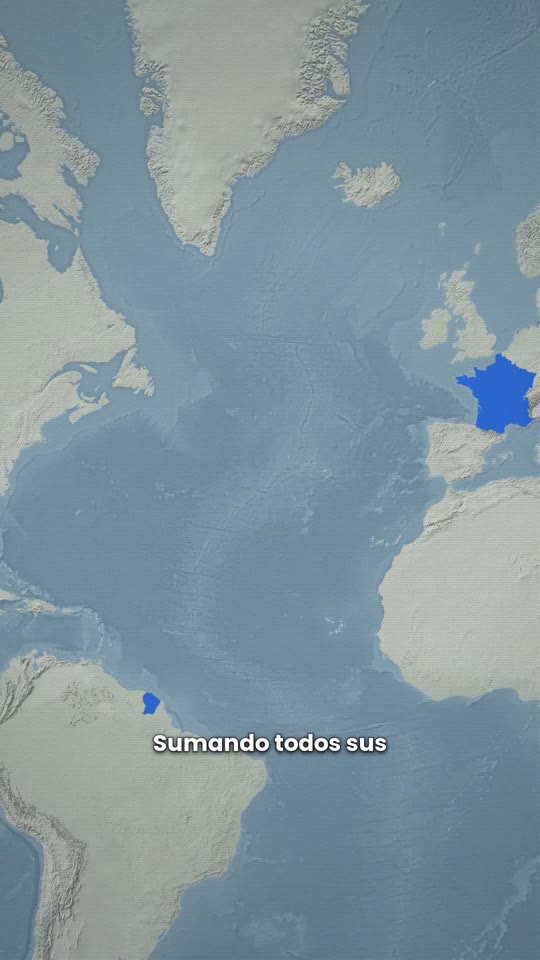
From script to video, with the tools in the guide: same engine, free voice and licensed music. Tap to play.
Free voice: Remy
Free voice: es-MX Jorge
Free voice: Giuseppe
Free voice: Remy
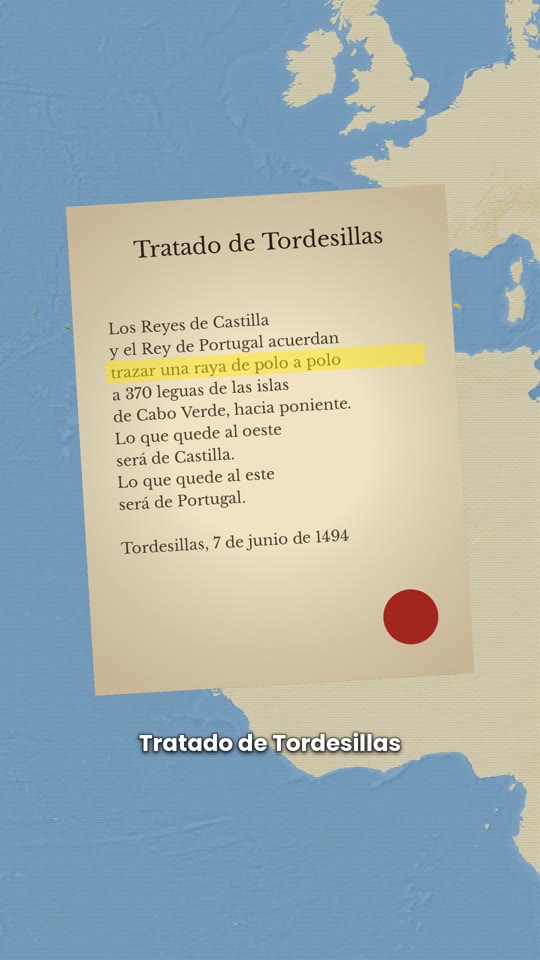
Free voice: es-NI Federico
Ask a chat AI (the free plan works) for ideas and a script, using ready-made prompts.
AI does itOne command makes the voice and the exact second of every word.
One commandThe AI writes the animations; the validator checks and tells you how to fix them.
AI does itLicensed music, mix and a vertical MP4 ready for Shorts, Reels and TikTok.
One commandYou copy and paste. The AI writes the script and animations; you run a handful of commands.
Map engine, voice, effects and music: US$ 0. You only need a chat AI; the free plan is enough to start.
Every picture appears exactly when the word is spoken (median offset of 0.01 to 0.04 s in our 5 examples).
Vertical 1080×1920 MP4 with animated captions, sound and music, for Shorts, Reels and TikTok.
CC0 effects and CC BY music, with the credit text generated for you.
5 complete projects to render yourself and use as templates, plus a troubleshooting chapter.
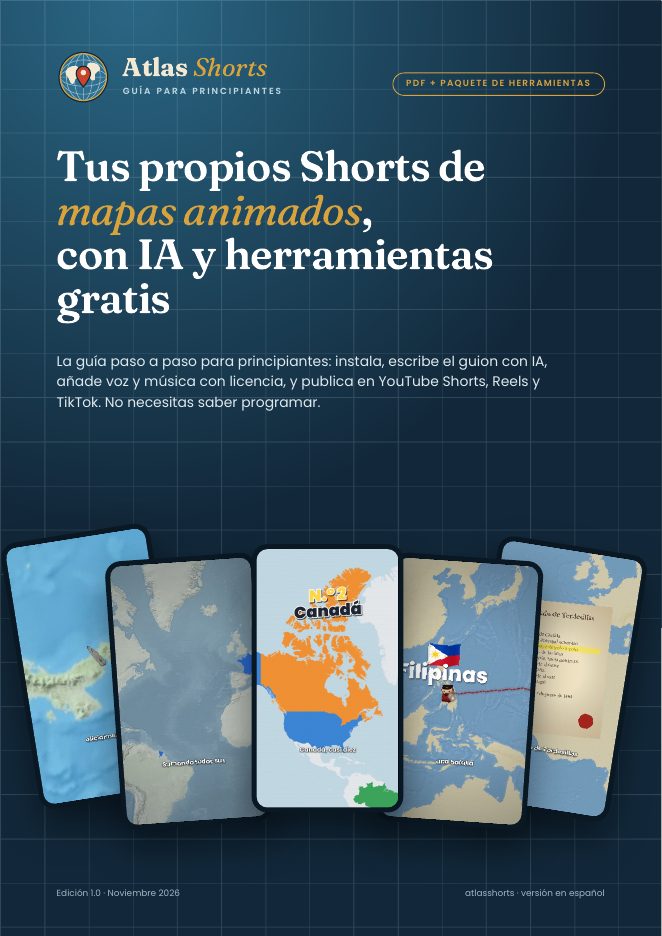
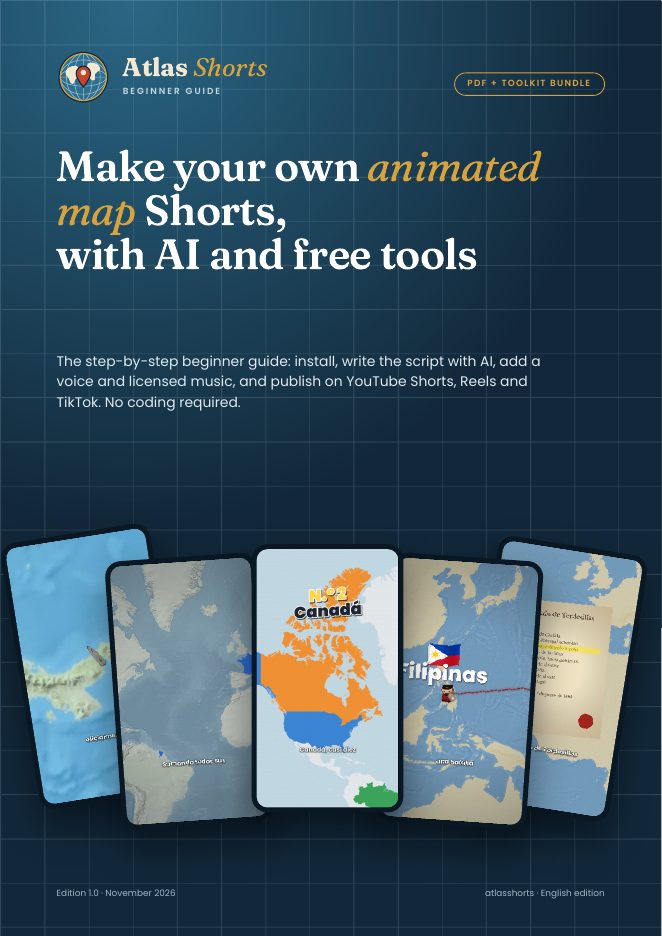
Pay once and get everything.
The free voices (Edge TTS) are perfectly clear, but they sound a little robotic. If you want a studio result you can use a professional voice (ElevenLabs, Fish Audio) or a voice actor: the method is the same, but it has a production cost.
For reference (November 2026): on ElevenLabs' Starter plan, about US$ 0.15 to US$ 0.20 per 55-second Short. The guide covers it in chapter 17, with step-by-step options.
No promises of results: the guide gives you the method and the tools; growth is up to you.
No. You copy and paste texts into a chat AI and run short commands the guide gives you, one by one. It is not an editor like Premiere or CapCut: the system generates the video from your script.
It is designed for Windows 10/11 and Mac (Intel or Apple Silicon): 4 cores, 8 GB of RAM and 5 GB free as a minimum; no graphics card needed. A 50 s Short takes between 2 and 15 minutes to render depending on your machine.
You can use the free plan of ChatGPT, Gemini, Claude, Copilot, Grok or another. It has daily limits: expect 1 to 3 videos a day. A paid plan is optional.
They are clear and work for educational Shorts, but they sound a little robotic. The guide recommends the two best ones (Remy and Giuseppe) and explains how to move to a professional voice, which does have a production cost.
The tools' licenses allow it (with the credits the guide tells you to keep). Earning money depends on your topics, your consistency and each platform's rules, which change; we do not promise results. The free voice (Edge TTS) has no formal commercial-license guarantee; chapter 17 explains alternatives.
The 5 demos are in Spanish. The method works the same in English: the English guide includes prompts and voices for that language (the tools show their messages in Spanish or English, your choice).
Two PDFs (Spanish and English) and a ZIP with the toolkit and the 5 projects. You download from Gumroad after paying.
The engine is the Geo Kit by Caesar (@caesarscales), published under the MIT license and included unmodified with its license and credits. Atlas Shorts is an independent guide and toolset, not affiliated with or endorsed by Caesar.
Install it, render one of the examples on your own machine, then create yours on a topic of your own.
Get the guide here